

How to Get More 5-Star Google Reviews for Your Contracting Business
Marketing, Contractor Reputation Management, Google Reviews
How to Get More 5-Star Google Reviews for Your Contracting Business
If you run a roofing, HVAC, landscaping, plumbing, electrical, or general contracting business, your Google reviews are the new front door to your company. Before anyone calls, they’re checking your stars, reading your latest reviews, and comparing you to the guys down the street. In this guide, we’ll walk through a practical, step‑by‑step Google review strategy you can actually use in the field to get more 5-star reviews for contractors like you.

Why Google Reviews Are the New Referrals for Contractors
For years, your business probably grew on word of mouth. A neighbor told a neighbor, a cousin told a cousin, and your phone kept ringing. That hasn’t gone away—but it has moved online. Today, when someone gets your name, the very next thing they do is type it into Google and check your rating.
Here’s the key stat: 88% of people trust online reviews as much as personal recommendations. That means your Google profile is basically one huge referral board that never sleeps. If you’re wondering “how to get Google reviews that actually turn into jobs,” the answer is simple: treat reviews like you used to treat referrals—on purpose, every single day, not by accident a few times a year.
How Google Reviews Affect Your Local Ranking (and Why You’re Not Showing Up)
When homeowners search “roofer near me” or “emergency plumber [your city],” Google shows a map with three businesses at the top. That’s called the Local 3-Pack, and it gets a huge share of the clicks and calls. Your reviews are a big part of whether you land in that box or get buried below competitors.
- Quantity: More reviews signal that your business is active and trusted. Ten reviews versus 150 reviews is a big difference in Google’s eyes and your customers’ eyes.
- Quality (Star Rating): A 4.8 average beats a 3.9 every time. People will often skip calling anyone under 4.0 unless they’re desperate.
- Recency: Google and customers both look for recent reviews. If your last one was 18 months ago, it looks like you might be out of business—or slipping in quality.
Combined, these factors are a major part of your contractor reputation management. You can spend money on ads, but if your rating is low or your reviews are old, you’ll still lose calls to competitors with a stronger profile.
The “Review Gap” Most Contractors Have (And Why It’s Costing You)
Almost every contractor I talk to says the same thing: “My customers love us, but we barely have any reviews.” That’s the review gap—the difference between how happy your customers actually are and how good your online profile looks.
Why does this gap exist?
- You’re busy running jobs, not chasing reviews after hours.
- Your team feels awkward asking, so they rarely bring it up.
- You don’t have a simple system (link, script, reminder) baked into your process.
- Unhappy customers are more motivated to leave reviews than happy ones, so your profile can get skewed by a few bad experiences.
If you’re thinking, “How do I get more reviews for my business without it becoming a full-time job?” the answer is to close that review gap with a repeatable system your crew can follow on every job.
The Right Way to Ask for a Review: Timing, Wording, and Channel
1. Nail the Timing
The best time to ask is when the customer is clearly happy and the job is fresh in their mind:
- Right after you walk them through the finished roof or landscaping project.
- After you’ve fixed their emergency HVAC or plumbing issue and they’re relieved.
- When they say something like, “Wow, this looks great,” or “You guys were so fast.”
2. Use Simple, Natural Wording (Field Scripts You Can Steal)
Your team doesn’t need a sales pitch. They just need a friendly, one‑sentence ask. Here are some plug‑and‑play scripts for 5-star reviews for contractors:
3. Send the Review Link Through the Right Channel
People almost never leave a review if they have to hunt for your profile. Make it brain‑dead simple. Use:
- Text message: Highest response rate. They’re already on their phone, and Google’s review page opens in their browser instantly.
- Email: Good for commercial clients or older homeowners who prefer email, especially with before/after photos attached.
Here are copy‑and‑paste templates you can use as part of your Google review strategy:
What NOT to Do: Avoid Fake Reviews and Shady Incentives
When you’re trying to get more reviews for your business, it’s tempting to take shortcuts. Don’t. Google is strict about review policies, and so are most state licensing boards and trade associations. A bad move here can hurt your ranking—or even get your profile suspended.
- No fake reviews. Don’t have staff, friends, or family post “customer” reviews if they didn’t actually hire you. Google can detect patterns (same IPs, similar wording), and competitors can report you.
- No direct incentives for positive reviews. Offering discounts, gift cards, or cash in exchange for a 5-star review violates Google’s policies. You can encourage honest feedback, but not pay for good ratings.
- Don’t gate reviews. Avoid “If you’re happy, leave a review. If not, contact us instead” funnels that hide negative reviews. This kind of gating is risky and can look manipulative.
How to Respond to Negative Reviews Like a Pro (Without Arguing Online)
Even great contractors get the occasional bad review. Maybe it was a miscommunication, a bad day, or a crew member who didn’t follow your standards. The key is how you respond. Remember, you’re not just talking to that one customer—you’re talking to every future customer reading your reply.
A Simple 4-Step Response Formula
- Acknowledge their experience: Don’t argue or dismiss it, even if you disagree with the details.
- Apologize briefly: You can be sorry they had a bad experience without admitting fault for everything.
- Move it offline: Invite them to call or email you directly so you can resolve it.
- Show your standards: Briefly restate your commitment to quality and service.
When people see you respond calmly and professionally, it actually builds trust. Many homeowners think, “If something goes wrong, at least I know they’ll try to fix it.”
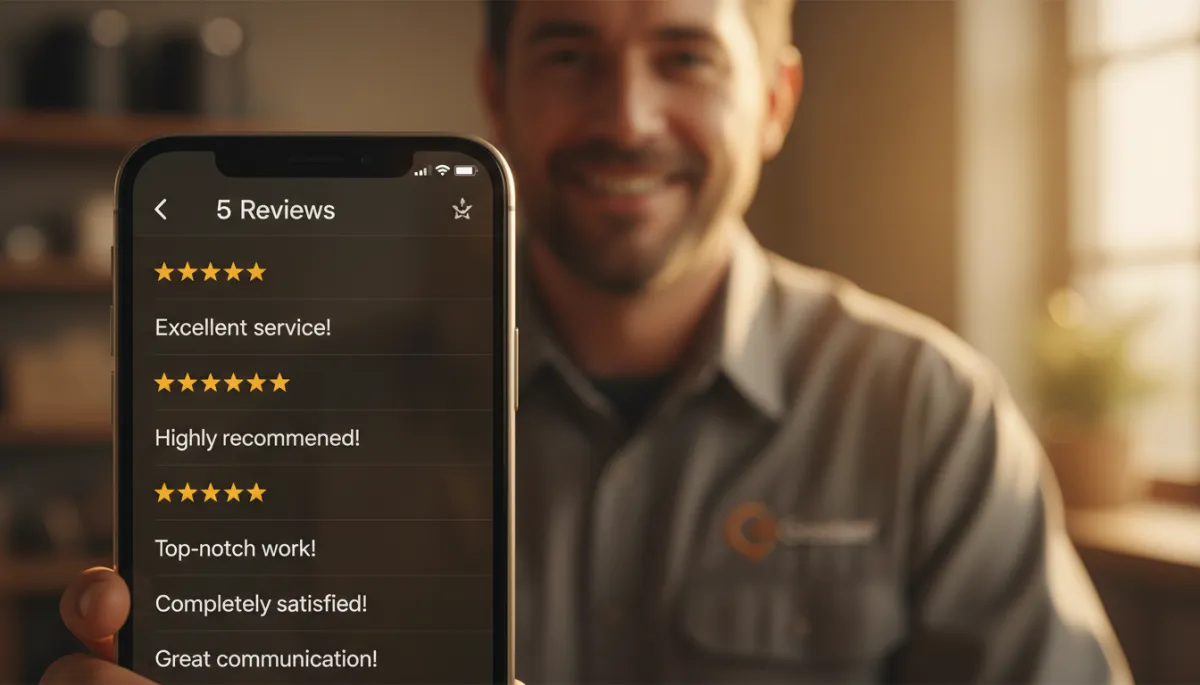
A steady flow of recent 5-star reviews turns casual searchers into confident callers.
Automating Review Requests So They Happen on Autopilot
The real secret to getting more 5-star reviews for contractors is automation. If you rely on techs remembering to ask and manually texting links, your results will be inconsistent. But if your system automatically sends a review request after each completed job, you’ll build reviews every single week without chasing anyone.
A good review automation setup can:
- Trigger a text and/or email when an invoice is marked “Paid” or a job is marked “Completed” in your CRM or invoicing tool.
- Personalize messages with the customer’s name, service type, and technician name automatically.
- Send a gentle follow‑up if they haven’t clicked the review link after a few days (without being annoying).
This kind of contractor reputation management system keeps your profile growing month after month, even during your busiest season. No extra admin, no sticky notes, no “I’ll do it when I get home” that never happens.
How to Display Google Reviews on Your Website (And Why It Matters)
Once you’re stacking up great reviews, don’t let them sit only on your Google profile. Show them off on your website so visitors see proof before they ever click “Call” or “Request Estimate.”
Smart Places to Feature Reviews
- Homepage: Add a section near the top with your average star rating (e.g., “4.9 Stars on Google from 187 Local Homeowners”) plus a rotating slider of recent reviews.
- Service Pages: On your roofing, plumbing, HVAC, or landscaping pages, show reviews that mention that specific service so visitors see proof you do that work well.
- Estimate / Contact Page: Right next to your form or phone number, add 2–3 short, powerful quotes to reduce hesitation and increase form submissions.
Best Practices for Showcasing Reviews
- Include the customer’s first name, city, and star rating when possible (e.g., “Sarah M., Denver – ★★★★★”).
- Use short, scannable quotes that highlight what matters most: speed, cleanliness, communication, price, and professionalism.
- Link to your full Google profile so visitors can verify they’re real.
Putting It All Together: A Simple Google Review Strategy for Busy Contractors
Let’s recap how to get Google reviews consistently without adding more chaos to your day:
- Create your direct review link from your Google Business Profile and save it in your templates, CRM, and technician phones.
- Train your team to use a simple one‑sentence ask right after the walkthrough or service, when the customer is clearly happy.
- Send an automated text/email with the review link as soon as the job is marked complete—no manual typing required.
- Respond to every review (good and bad) with short, professional replies that show you care and pay attention.
- Showcase your best reviews on your website, in quotes on your estimates, and even in printed materials.
Do this, and over the next 3–6 months you’ll see your star count rise, your average rating improve, and your phone ring more often from people who already trust you before you even pick up. That’s the power of a solid, repeatable contractor reputation management system.
Get More Reviews on Autopilot
Our review automation system sends the right message at the right time to your recent clients — no awkward asks, no chasing. Book a free audit to see how it works.
