

How to Choose a Domain Name for Your Contracting Business
Marketing, Small Business, Contractors
How to Choose a Domain Name for Your Contracting Business
Your domain name is the online version of your shop sign on Main Street. If you’re a roofer, HVAC tech, landscaper, plumber, electrician, or general contractor, the right domain makes it easier for homeowners to find you, trust you, and call you. In this guide, we’ll walk through how to choose a domain name that actually helps you get more jobs, not just “have a website.”
Why Your Domain Name Matters for Trust and SEO
Think about how you choose a contractor when you’re the customer. If you search “plumber near me” and see two results:
- johns-home-services-247-biz.net
- springfieldplumbing.com
Which one feels more trustworthy? Most people will pick the second. It’s simple, clear, and looks like a real business. That’s the power of a strong business domain name.
Trust: Your Domain Is Your First Impression
Homeowners are nervous when they hire someone to work on their roof, HVAC, or electrical. A clean, professional contractor website domain sends a simple message: “We’re legit. We’re not going anywhere.”
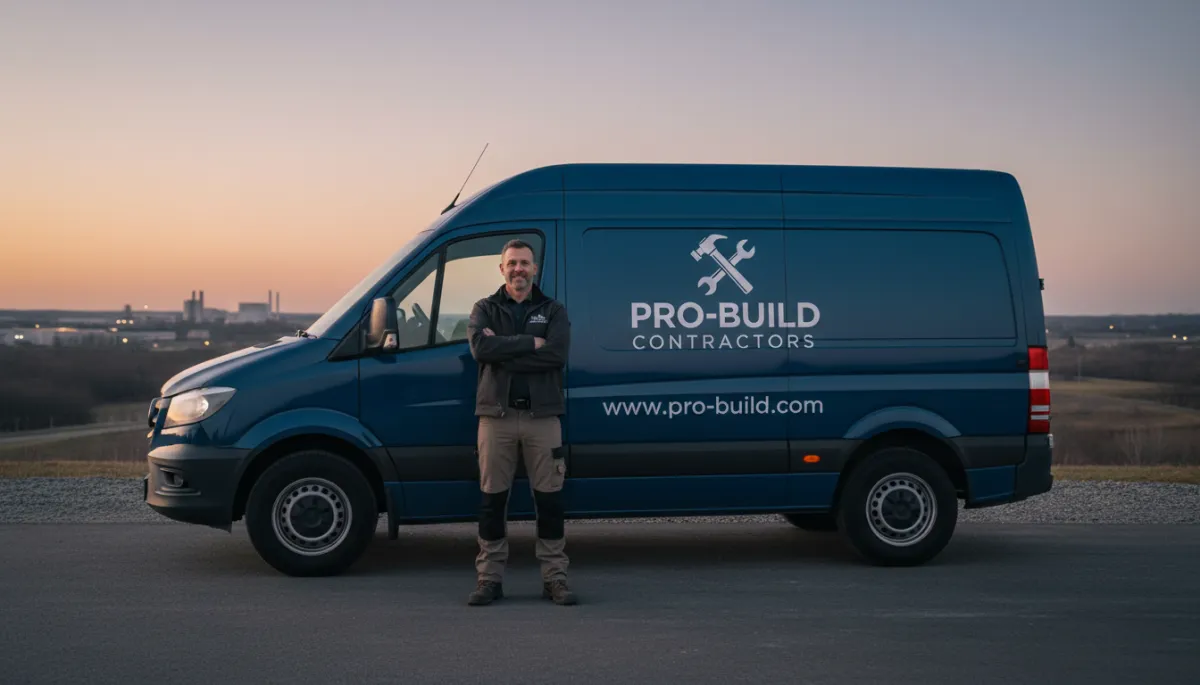
- It looks better on trucks, business cards, and yard signs.
- It makes your email look professional (for example, [email protected] instead of [email protected]).
- It’s easier for people to remember and type correctly.
SEO: Helping Google Understand What You Do and Where You Work
SEO (search engine optimization) is just a fancy phrase for “show up higher on Google.” Your domain is not the only SEO factor, but it does help. When your domain name for contractor includes your service and sometimes your city, it gives search engines a clear hint about what your business is about.
For example, oaklandhvac.com instantly tells Google and customers:
- You’re in Oakland
- You do HVAC work
That lines up perfectly with what people actually search for: “HVAC repair Oakland”, “Oakland AC installation”, and so on.
How to Pick a Name: Short, Memorable, and Clear
When you’re trying to buy domain name for small business, it’s easy to overthink it. You don’t need something clever or cute. You need something simple that tells people exactly what you do. Here’s a straightforward formula that works very well for contractors.
The “Service + Location” Formula
A great starting point for a business domain name is: Service + City or Service + Region.
- springfieldroofing.com (Roofer in Springfield)
- austinhvacpros.com (HVAC company in Austin)
- valleyviewlandscaping.com (Landscaper in Valley View area)
If your city name is long or hard to spell, you can use a region, county, or nickname people actually use in conversation, like northshoreplumbing.com or tri-countyelectrical.com.
Keep It Short and Easy to Say Out Loud
You’ll say your domain name on the phone, on job sites, and in person all the time. If you have to spell it three times, it’s too complicated. Aim for:
- Under 20 characters if possible (not a hard rule, just a guideline)
- Real words, not random letters or numbers
- Easy to pronounce and spell if someone hears it once
Try this test: say your domain out loud to a friend and ask them to write it down. If they get it wrong, it’s time to simplify.
Use Your Existing Business Name (If It’s Clear)
If your business name already says what you do, that’s even better. Match your domain to your brand:
- Business: Bright Star Electric → Domain: brightstarelectric.com
- Business: Greenline Landscaping → Domain: greenlinelandscaping.com
If your legal name is something vague like “J&J Services,” consider using a clearer domain like jjplumbingdenver.com so customers instantly know what you do.

A clear, simple domain helps every marketing piece work harder for you.
.com vs Other Extensions: What Should You Choose?
You’ve probably seen lots of different website endings: .com, .net, .biz, .co, .contractors, and so on. Which one is best for a domain name for contractor?
Why .com Is Still the Best Choice
For most contractors, .com is still the top pick. People naturally type it. It feels established and trustworthy. If you can get a good .com that matches your business or your service + location, grab it.
- Easiest to remember and say out loud
- Looks professional on trucks, uniforms, and invoices
When Other Extensions Can Work
Sometimes the perfect .com is taken. Don’t panic. You still have options:
- .net or .co – Acceptable backups if your name is otherwise perfect.
- .contractors, .plumbing, .roofing – Niche extensions that clearly show your trade, like smith.plumbing or premier.roofing.
If you do use one of these newer extensions, just know you’ll often have to say, “That’s smith dot plumbing, not dot com,” when you tell people your web address. Many contractors will still prefer to find a solid .com, even if they have to tweak the name a bit.
What to Avoid When Choosing a Contractor Website Domain
Knowing what not to do is just as important as knowing what to do. Here are common mistakes that make it harder for customers to find and trust you online.
- Hyphens and weird symbols – Avoid names like best-roofers-in-town-247.com. They look spammy and are hard to say out loud.
- Random numbers – Unless the number is part of your brand, skip it. aceplumbing123.com feels cheap and forgettable.
- Hard-to-spell words – If your last name is tricky, you might use your service + city instead of your name to avoid spelling issues.
- Very long domains – Something like thebestqualityroofingandgutterservicesofspringfield.com is a nightmare to type and share.
- Copying another brand – Don’t pick a name that’s almost the same as another local contractor. It can cause confusion and even legal trouble.
How to Check If Your Domain Name Is Available
Once you’ve got a few ideas, it’s time to see what’s actually available. Here’s a simple way to do it without getting overwhelmed.
Step 1: Brainstorm 5–10 Solid Options
Don’t fall in love with just one name. Create a short list of ideas using the service + location formula and your business name. For example, if you’re a roofer in Dayton:
- daytonroofing.com
- daytonroofpros.com
- daytonroofandgutter.com
Step 2: Use a Domain Search Tool
Go to any major domain registrar (like GoDaddy, Namecheap, Google Domains, or others) and type your ideas into their search box. They’ll tell you right away if the domain is taken or available and suggest similar options.
Step 3: Check for Confusingly Similar Businesses
Before you lock it in, do a quick Google search for the name without the .com. If there’s another contractor in your area with almost the same name, you may want to adjust to avoid confusion. You don’t want their bad reviews or mistakes to be tied to your brand.
Domain Registration Tips for Small Contracting Businesses
Once you’ve found the perfect domain name for contractor, it’s time to actually register it. This is where a lot of small business owners either overpay or accidentally lose control of their own domain.
Register It in Your Name and Your Account
Never let a random marketing company or “friend who builds websites” own your domain. Make sure the account at the registrar is under your name, your email, and your business payment method. That way, if you ever change web designers, you still control your website address.
Turn On Auto-Renew and Use a Reliable Email
Domains are usually paid yearly. If you forget to renew, your site can go down, and someone else can even buy your domain. Turn on auto-renew and connect it to a card that stays active. Also make sure renewal emails go to an inbox you actually check, not an old personal email you never open.
Consider Privacy Protection
Most registrars offer “WHOIS privacy” or “domain privacy.” This hides your personal contact details from public records and can cut down on spam calls. For a few extra dollars per year, it’s usually worth it for small business owners.
Don’t Buy Every Add-On They Offer
When you go to buy domain name for small business, the checkout page will try to sell you all kinds of extras: email, builders, SEO tools, security packages, and more. You usually don’t need most of that. At a minimum, you just need:
- Your domain name
- Domain privacy (optional but recommended)
Your website, hosting, and email can be handled separately, often in a way that’s better suited to your long-term marketing and SEO.
Connecting Your Domain to Your Website (Without the Headache)
Buying a domain is step one. Step two is connecting that domain to your actual website so that when someone types it in, your site shows up. This part can sound technical, but the basics are simple once you know what’s happening behind the scenes.
The Simple Version of How It Works
Your domain is like the street address. Your website hosting is like the actual building. To connect them, you tell the address, “Point to this building.” Technically, this is done using DNS records (things like A records and nameservers), but you usually don’t need to touch those directly if you follow your website platform’s instructions.
Common Ways Contractors Connect Their Domain
- Website builder platforms (like Wix, Squarespace, or others) – These often have a “Connect Domain” button and step-by-step guides. You copy a few settings from your domain registrar into their system once, and you’re done.
- WordPress or custom sites – Your web designer or agency will usually send you the exact DNS settings to paste into your domain account. Once that’s done, it can take a few hours to fully update worldwide.
Putting It All Together: A Domain That Works as Hard as You Do
Choosing a contractor website domain doesn’t have to be complicated. You don’t need the “perfect” name. You need a solid, trustworthy domain that:
- Tells people what you do and where you work (service + location)
- Is short, clear, and easy to say out loud
- Uses .com if possible, or a clean alternative if not
- Avoids hyphens, random numbers, and confusing spellings
Once you’ve picked it, register it in your own account, turn on auto-renew, and connect it properly to your website. Do those things, and you’ll have a strong online “front door” that supports your marketing, your SEO, and your reputation for years to come.
Ready to Get Your Business Online the Right Way?
Book a free 10-minute website audit with Ozlon. We’ll help you get your domain, site, and SEO all working together.
