
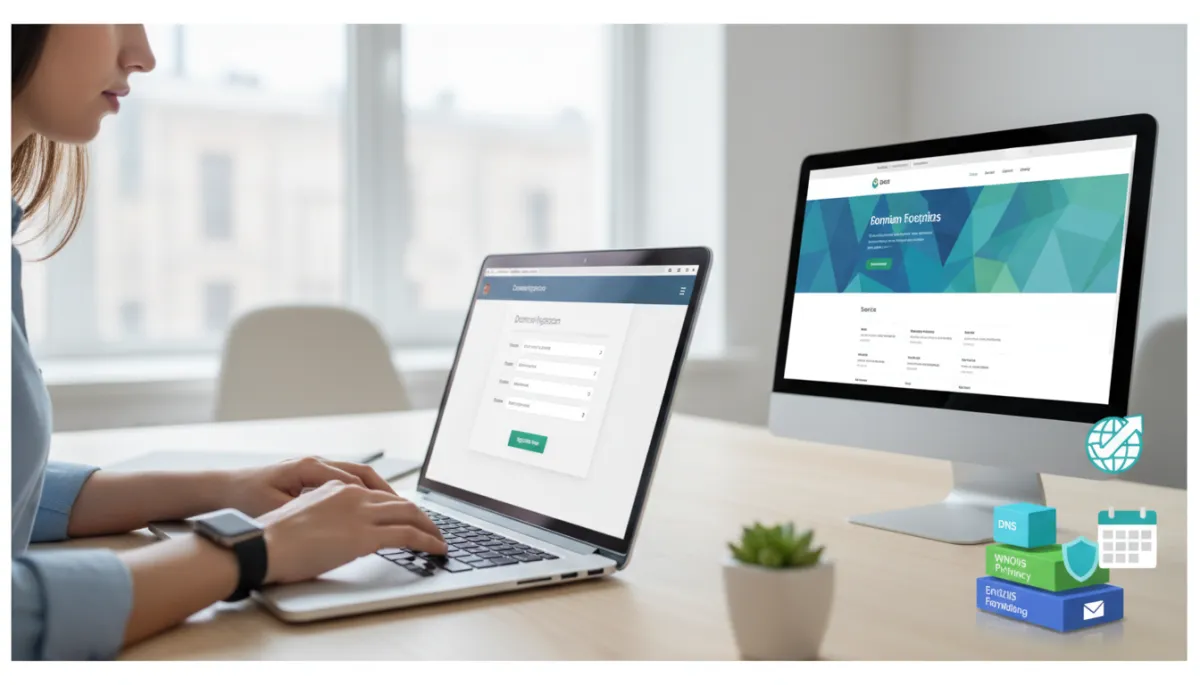
Domain Registration Tips for Small Businesses
Domain Registration, Small Business, Charlotte NC Web Design
Domain Registration Tips: How to Choose, Register & Manage Your Business Domain Like a Pro
Meta description: Smart domain registration tips for small businesses. Learn how to choose, register, and manage your business domain name like a pro with Ozlon.

Your domain name is often the first impression people get of your business. Before they see your logo, your storefront, or even your face, they see your web address. For small business owners in Charlotte and beyond, understanding a few key domain registration tips can make the difference between a forgettable URL and a brand that sticks in customers’ minds.
Why the Right Domain Name Matters for Branding and SEO
Think of your domain as your digital storefront sign. A clear, professional business domain name builds trust instantly. If your URL looks confusing, spammy, or unrelated to what you do, visitors may leave before they even click through to your site.
From an SEO perspective, your domain can also support your visibility on Google. While search engines now look at hundreds of signals, a relevant domain that reflects your brand and services can still help. For example, a Charlotte NC web design studio using a name that hints at design or digital services feels more aligned and memorable than a random phrase with numbers and hyphens. When paired with strong on-page SEO, a thoughtful domain name becomes part of a solid foundation for long-term growth.
Practical Tips for Picking a Great Domain Name
Keep it short, simple, and easy to spell
Shorter domains are easier to remember, type, and share. Aim for something people can say out loud once and spell correctly. Avoid unnecessary numbers, double letters, and creative spellings that require explanation every time you share your web address over the phone or in a meeting.
Make it memorable and on-brand
Your domain should sound like your business. If you already have a business name, start there and see if an exact match is available. If not, consider adding a simple word that describes what you do, like “studio,” “design,” “plumbing,” or “cafe.” The goal is a domain that feels natural when paired with your logo, signage, and marketing materials.
Use keywords thoughtfully (without stuffing)
Including a relevant keyword can be helpful, especially for local businesses. For example, a Charlotte bakery might choose something like “QueenCityBakery.com.” This gently hints at what you do and where you’re located, supporting both brand recall and relevance. However, avoid awkward, keyword-stuffed domains like “best-charlotte-north-carolina-web-design-services-123.com.” Clean and human-friendly always wins over trying to game search engines.
Choose the right TLD (.com, .net, .co, and more)
The TLD (top-level domain) is the ending of your domain, like .com or .net. For most small businesses, .com is still the gold standard because it’s familiar and trusted. If your perfect .com is taken, consider professional alternatives like .net, .co, or industry-specific endings such as .design or .studio. Just be sure the TLD feels credible for your audience and industry.
Step-by-Step: How to Register a Domain Name
- Brainstorm and shortlist names. Create a list of 5–10 options that match your brand, are easy to say, and reflect what you do.
- Check availability with a reputable registrar. Use a trusted domain registrar’s search tool to see which names and TLDs are available. Look for transparent pricing and clear renewal terms.
- Review similar domains and trademarks. Make sure you’re not too close to another brand in your space. A quick search can help you avoid legal headaches and customer confusion later.
- Add essential extras (not junk add-ons). Consider WHOIS privacy protection and an SSL certificate, but skip unnecessary upsells you don’t understand or need yet.
- Complete registration with accurate contact info. Use an email address you check regularly; this is where renewal notices and security alerts will go.

A clear domain and polished website instantly boost credibility with new customers.
Domain Management Best Practices After You Register
Turn on auto-renew (and keep your payment info current)
Losing your domain because you missed a renewal email is every business owner’s nightmare. Enable auto-renew and make sure your billing details are up to date. This one domain management habit can save you from downtime, panic, and potential loss of your brand name.
Protect your privacy with WHOIS privacy
Without privacy protection, your name, address, and email may be publicly visible in the WHOIS database. Most registrars offer WHOIS privacy to mask your personal details, reducing spam and protecting you from unwanted contact. It’s usually a small annual fee that’s well worth the peace of mind.
Understand your DNS settings (or work with a pro)
DNS (Domain Name System) records tell the internet where to send visitors when they type in your domain. Pointing your domain to your website host, connecting email, or adding security tools all happen through DNS. If terms like A records and CNAMEs make your eyes glaze over, that’s okay—many small business owners partner with a Charlotte NC web design company like Ozlon to configure DNS correctly the first time.
Set up professional email forwarding
A branded email like [email protected] looks far more professional than a generic Gmail or Yahoo address. Many registrars allow you to forward emails sent to your domain to an existing inbox, or you can connect a dedicated email service. Either way, matching your email to your business domain name reinforces your brand every time you hit send.
Common Domain Mistakes to Avoid
- Choosing a name that’s too long, complicated, or hard to pronounce.
- Using multiple hyphens or random numbers that look unprofessional.
- Forgetting to renew the domain or relying on an old email for renewal alerts.
- Ignoring WHOIS privacy and being surprised by spam or unsolicited calls.
- Pointing DNS incorrectly and ending up with a site that won’t load or email that doesn’t work.
Get Your Domain and Professional Website Up Fast with Ozlon
You don’t have to become a domain expert to launch a strong online presence. If you’re feeling unsure about how to choose a domain name or how to handle DNS, email, and renewals, partnering with a team that does this every day can save you hours of frustration.
Ozlon, a Charlotte NC web design and digital services company, helps small businesses secure the right domain, configure all the technical details, and launch a polished website quickly. With Ozlon’s 7-day website build service, you can go from idea to a live, professional site in about a week—complete with domain registration assistance, smart domain management settings, and a design that reflects your brand.
If you’re ready to lock in a great business domain name and get a website that actually works for your business, reach out to Ozlon. You bring your vision; they’ll handle the tech, so your customers can find you easily and trust what they see when they do.
