

Custom Website vs Website Builder: What Contractors Actually Need
Contractor Marketing, Website Builder vs Custom Website
Custom Website vs Website Builder: What Contractors Actually Need
If you run a roofing, HVAC, landscaping, plumbing, electrical, or general contracting business, you’ve probably wondered whether you really need a custom website or if Wix, Squarespace, or GoDaddy are “good enough.” This guide breaks down the options in plain language so you can decide based on numbers, not hype.

First, Be Clear on the Job Your Website Needs to Do
Your website is not a digital business card. For contractors, it’s a lead-generation machine. Its job is simple:
- Show up when people search “roofer near me” or “AC repair in [your city].”
- Load fast on mobile so homeowners don’t bounce and call the next company.
- Prove you’re legit with photos, reviews, and clear service areas.
- Make it stupid-easy to call, text, or request a quote.
Most contractor sites fail at this. Recent audits show that over 54% of contractor websites lack basic SEO structure like proper page organization and LocalBusiness schema, and most of those underperforming sites are built on template builders. They look “fine,” but they don’t bring in steady leads.
What Website Builders Like Wix, Squarespace, and GoDaddy Actually Are
Website builders such as Wix, Squarespace, and GoDaddy are all‑in‑one, do‑it‑yourself platforms. You pay a monthly fee, log in, pick a template, drag some blocks around, and publish. Hosting, security, and software updates are bundled in. No developer needed.
In 2026, these tools are polished:
- Wix: Drag‑and‑drop editor, tons of templates, built‑in forms, click‑to‑call buttons, and basic SEO tools. Plans typically run about $17–$36/month on annual billing.
- Squarespace: Clean, visual templates that look great for remodelers, landscapers, and design‑heavy trades. Plans are around $16–$19/month annually.
- GoDaddy Website Builder: Fastest way to get a basic site live, with guided setup. Around $10/month on promos.
There are also bundled options like Jobber and Housecall Pro websites, and AI‑built tools like We.Inc. But they all operate on the same idea: you get a prebuilt system with guardrails. That’s the key difference in the “website builder vs custom website” conversation.
Why Website Builders Seem So Appealing to Contractors
If you’re comparing a custom website vs Wix or GoDaddy, it’s obvious why builders win the first impression:
- They’re cheap up front. Under $40/month feels painless compared to a $4,000–$10,000 custom build. For a small crew just getting off the ground, that matters.
- They’re marketed as “easy.” Drag‑and‑drop. No code. Launch in an afternoon. The sales pages are built to make you feel dumb if you pay a pro.
- You stay in control. Need to change your hours or add a new service? Log in and edit it yourself without waiting on a developer.
- They look “good enough.” Modern templates and glossy demo sites give the impression that all you need is a logo and a few photos to compete.
For a one‑person operation that just wants something online, Squarespace for contractors or a simple Wix site can absolutely be the right call — for now.
The Real Limitations of Website Builders for Contractors
Here’s where the “cheap and easy” pitch stops matching reality. The same guardrails that make builders simple also create a hard ceiling on performance — especially SEO and lead generation.
1. SEO Ceiling: You Can Only Go So Far
Wix, Squarespace, and GoDaddy advertise “SEO tools.” You can add titles, meta descriptions, and alt text. That’s baseline. But ranking in competitive local markets takes more:
- Dozens of service × city pages (e.g., “Roof Replacement in Plano, TX” vs “Roof Repair in Frisco, TX”) with clean URLs and internal linking.
- Structured data (schema) so Google and AI tools recognize you as a local contractor, not just “a website.”
- Fast, mobile‑first performance tuned for Core Web Vitals, not just “it loads eventually.”
In real audits, more than half of contractor sites lack any schema at all, and the majority of those are template‑builder sites. They technically “have SEO,” but not at the level needed to rank in the top 3 map or organic spots where the real money is.
2. Shared Hosting and Performance Bottlenecks
Builders run your site on their shared infrastructure. You don’t control server type, caching, image compression, or much of anything under the hood. That’s convenient — until speed becomes a ranking factor and a conversion killer.
Across 500 contractor sites, the median load time was over 5 seconds on mobile. Only 18% loaded in under 3 seconds. Slow pages mean fewer calls, especially from impatient mobile users standing in a flooded basement or under a leaking roof.
3. Limited Custom Functionality
As your business grows, you may want:
- Custom quote forms that route leads by service or ZIP code.
- Integration with your CRM, scheduling, or job‑management tools in a specific way.
- Project calculators (roof square footage, system sizing, landscaping estimates).
On builders, you’re stuck with their app marketplace. If there’s no plug‑and‑play widget for what you want, you’re out of luck. True custom functionality is either impossible or hacked together, and you still can’t move that code off their platform later.
4. Cookie‑Cutter Design and Brand Confusion
Browse a few local competitors and you’ll spot it instantly: three or four contractors in the same city using the exact same Squarespace or Wix template with different colors. Homeowners notice this, even if they can’t explain why your site “feels the same” as the last one they saw.
That doesn’t mean builders can’t look professional. They can. But if your goal is to be the obvious choice in your market, a cookie‑cutter layout with stock photos and generic copy works against you.
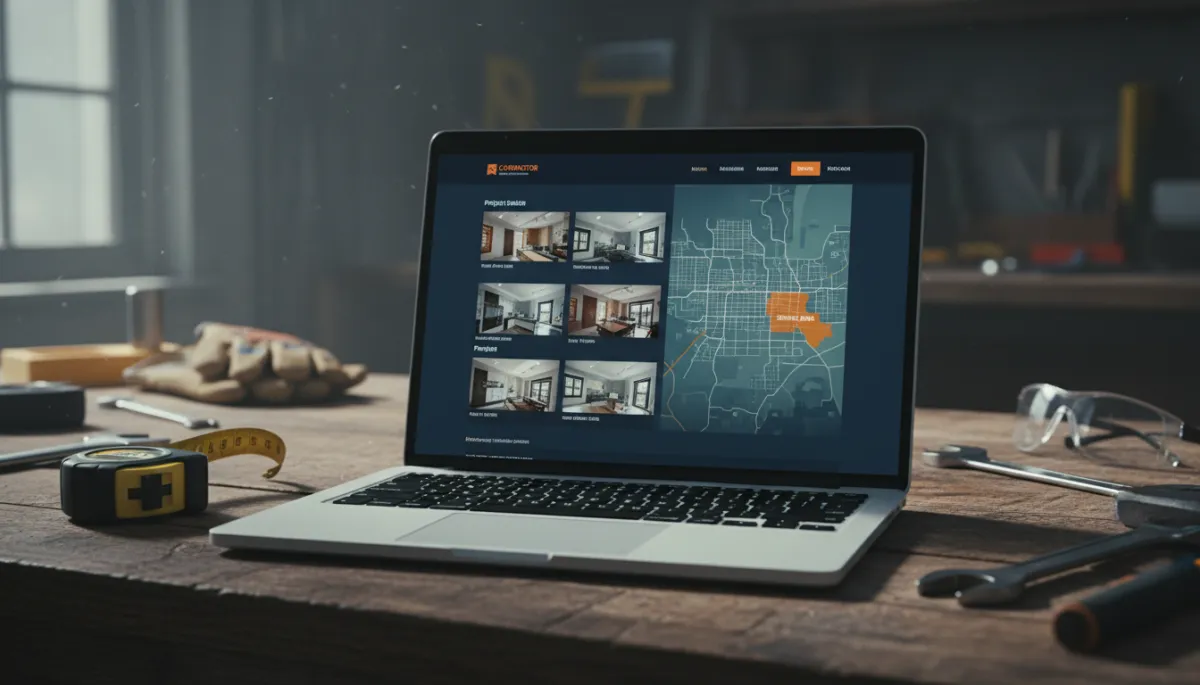
Custom sites turn casual visitors into booked jobs with focused design and structure.
What a “Custom Website” Actually Means (and What It Costs)
“Custom website” doesn’t always mean from‑scratch code. For most contractors, it means a professionally built site on a flexible platform like WordPress, hosted on quality servers, with design, content, and structure tailored to your business and service areas.
What’s Typically Included in a Custom Build
- Strategy session to map your services, cities, and ideal customers into a site structure that makes sense for SEO and humans.
- Custom design that matches your brand, trucks, and uniforms instead of forcing you into a template box.
- Proper on‑page SEO: titles, headers, internal links, schema, and service × city pages written for your market, not generic boilerplate.
- Conversion‑focused layout: sticky click‑to‑call buttons, simple quote forms, review sections, and clear trust signals.
Realistic Cost Ranges
For a typical local contractor, a serious custom website usually falls into these ranges:
- Basic but solid custom site (5–10 pages, light SEO): roughly $2,500–$4,000 once, plus hosting ($15–$40/month).
- Growth‑focused site (15–40+ pages, full local SEO, content, and tracking): roughly $4,000–$10,000+ depending on scope and market competition.
That’s a real investment. But it’s also an asset you own and can move, extend, and improve over time — unlike most builder sites, which are locked to the platform.
The ROI Difference: What Actually Puts Money in Your Pocket
Let’s ignore design opinions and look at numbers. A website is a tool. Either it brings you profitable jobs or it doesn’t. This is where “Wix alternative small business” stops being a tech question and becomes a math problem.
Example: Small Roofing Company
Assume:
- Average job value: $4,000 (mix of repairs and replacements).
- Close rate on qualified leads: 30%.
Your current Wix site brings in maybe 20 organic visitors a month and 1–2 leads, because it’s a generic template with weak SEO structure. You close one job every couple of months from it. That’s maybe $24,000/year in revenue if you’re lucky.
A well‑built custom site, tuned for local SEO and conversion, doesn’t need to be a miracle. If it gets you to just 100–150 targeted visitors a month and converts 5–8 of them into leads, that’s 2–3 extra jobs a month. At $4,000 per job, you’re looking at $96,000–$144,000/year in revenue tied back to a website that cost $5,000–$8,000 once.
That’s the real difference between a template that “looks fine” and a custom site that’s built to win in your market. The ROI gap compounds every month you stay on a platform that tops out early.
Who Should Use a Website Builder vs a Custom Website?
Website Builders (Wix, Squarespace, GoDaddy) Make Sense If:
- You’re brand new, still testing your service mix, and cash is tight.
- You just need a temporary online presence to support word‑of‑mouth and your Google Business Profile while you prove the business model.
- You’re comfortable doing your own copy, photos, and basic layout, and you accept that SEO performance will be limited.
In that case, a builder is a reasonable starting point. Just be honest about what it is: a starter site, not your long‑term growth engine.
A Custom Website Is the Right Move If:
- You’re an established roofer, HVAC company, landscaper, plumber, electrician, or GC with steady crews to keep busy.
- You’re spending money on Google Ads, HomeAdvisor, or lead brokers and want to own your own lead source instead of renting it.
- You serve multiple cities or offer several high‑value services and need a real SEO strategy, not just a brochure.
If your business depends on a consistent pipeline of leads, a builder is usually the more expensive option in the long run — not because of subscription fees, but because of the revenue you never see.
The Migration Question: Can You Move Off Wix, Squarespace, or GoDaddy Later?
This is the part most builders don’t emphasize in their marketing. With almost every major website builder, including Wix and Squarespace, you cannot simply “export your site” and move it to another host or platform. Their code is proprietary and tied to their system.
When you outgrow the platform, migration usually means:
- Manually recreating your pages on a new platform (often WordPress), using your old site only as a visual reference.
- Carefully redirecting URLs so your rankings don’t tank during the move.
- Re‑building forms, tracking, and any integrations from scratch.
If you’re already on Wix or another builder, don’t panic. Many contractors start there. The key is to decide whether your current site is:
- Good enough with some fixes (better content, stronger calls‑to‑action, improved Google Business Profile), or
- Fundamentally limited because of structure, speed, and platform constraints — in which case a planned rebuild is smarter than endlessly patching a dead‑end system.
Honest Summary: Custom Website vs Wix and Other Builders for Contractors
If you strip away the marketing, here’s the direct comparison of your main contractor website options:
- Website builders (Wix, Squarespace, GoDaddy) are fine for: brand‑new or very small contractors, temporary sites, and owners who just need a simple online presence and are not relying on SEO for most of their leads.
- A custom website is built for: established trades businesses that want to rank across multiple services and cities, control their brand, and turn their website into a primary source of booked jobs.
The facts are simple: more than half of contractor sites have broken or weak SEO structure, and most of those are on template platforms. A good custom build costs more up front but usually pays for itself with a handful of extra jobs — then keeps producing for years.
Not Sure Which Option Is Right for You?
Book a free website audit with Ozlon. We’ll look at what you have now and tell you honestly whether you need a full rebuild or just some fixes.
