
5 Signs Your Contractor Website Is Losing You Business
Contractor Marketing, Website Mistakes, Lead Generation
5 Signs Your Contractor Website Is Losing You Business
If you’re a roofer, HVAC tech, landscaper, plumber, electrician, or general contractor, your website should be working as hard as you do. For most homeowners, it’s the first thing they see before they ever call you. The problem? A lot of contractor websites quietly scare away good jobs every single day — and the owner has no idea it’s happening.
You might think, “We have a site, it looks fine, people can find us.” But recent audits of contractor websites tell a different story. Over half of trade sites are graded C or worse for performance and structure, and many are missing basic things that turn clicks into booked jobs. That’s real money walking away.
Let’s walk through five clear signs your site is a bad contractor website that’s quietly costing you leads — and what to do about each one. As you read, be honest with yourself. If even one of these hits home, your website is losing you business right now.
Sign #1: Your Phone Number Isn’t Clickable on Mobile
Picture this. A homeowner is standing in their driveway, staring at a leaking roof or a busted AC. They grab their phone, Google “roofer near me” or “emergency HVAC repair,” tap your website, and see your number at the top. Good, right?
Then they try to tap the number… and nothing happens. It’s just text. Now they have to copy it, switch to the dialer, paste it, or type it in by hand. On a cracked iPhone screen, with the sun in their eyes, in a hurry. Do you really think most people will do all that?
In a recent audit of 484 contractor websites, about 13.2% had unclickable phone numbers on mobile. That’s more than 1 in 8 trade businesses making it harder than necessary for people to call. At the same time, around 57% of local searches now happen on mobile. So over half your potential customers are seeing your site on a phone — exactly where this mistake hurts the most.
Why this small mistake costs you real jobs
Homeowners in emergency mode don’t have patience. If your number doesn’t dial with one tap, a lot of them will just hit the back button and call the next contractor in Google. You never even know they tried to reach you. From your side, it just looks like “slow week” or “phones are quiet.”
This is one of those contractor website problems that feels tiny but adds up fast. If even one or two calls a week are lost because of click-to-call friction, that could be thousands of dollars a month walking away — especially for roof replacements, system installs, or big landscaping projects.
Quick fix: Make your phone number tap‑to‑call everywhere
- On your phone, open your website in a browser. Try tapping your number. If it doesn’t open the dialer, it’s not clickable.
- Ask your web person to turn every phone number into a tel: link (for example, tel:+15551234567).
- Add a sticky “Call Now” button on mobile at the bottom of the screen so it’s always visible.
Sign #2: Your Site Doesn’t Show Up on Google
Let’s be blunt: if your website doesn’t show up when someone searches “your service + your city,” it’s almost like you don’t exist. Homeowners aren’t flipping through the phone book anymore. They’re typing “plumber near me” into their phone — and choosing from the first few results they see.
Here’s the scary part: in a major 2026 audit, over 54% of contractor sites were missing basic SEO structure, like proper page titles, meta descriptions, and LocalBusiness schema. That means more than half of contractors are making it harder for Google to understand who they are, where they are, and which jobs they want.
What “invisible on Google” really costs you
If your phone only rings from referrals, yard signs, or your truck wrap, your website isn’t pulling its weight. You’re leaving a huge chunk of the market to competitors who show up when people search. That’s not just a website losing leads — that’s a website that never even gets the chance to.
Think about the lifetime value of just one repeat customer: the roof you replace today, the gutter work next year, the neighbor they refer you to. When you don’t rank, those long-term relationships go to someone else who might not even do better work — they just have a better-structured site.
Quick fix: Nail the basics of local SEO
- Google yourself. Search “your service + your main city” in an incognito window. If you’re nowhere on page one, you’ve got an SEO problem.
- Make sure every page has a clear title like “Roofing Contractor in Dallas, TX | Your Company Name,” plus a short meta description that mentions your services and city.
- Add a dedicated page for each main service (roof repair, AC installation, drain cleaning, landscape design) and each key city or service area you want to rank in.
- Ask your web person about adding LocalBusiness schema so Google clearly understands you’re a local contractor.
Sign #3: Nobody Follows Up with Your Leads Automatically
This one stings, because it hits where most contractors feel it: the gap between “someone filled out our form” and “we actually booked the job.” You might think your problem is not enough leads. In reality, for many trades, the bigger problem is slow follow‑up.
Industry data shows that 78% of customers go with the first contractor who responds. Not the cheapest, not the most experienced — the first one to call or text back. And for businesses that are slow to respond, studies estimate they can lose around 23% of potential revenue just from poor or delayed follow‑up.
How your website quietly drops hot leads
Here’s the typical flow on a bad contractor website:
- A homeowner fills out your “Request a Quote” form at 8:30 PM after putting the kids to bed.
- The form sends an email to your office inbox.
- No one sees it until 9:15 the next morning — if it didn’t land in spam.
- By the time you call at lunch, they’ve already spoken with another contractor who texted them back within minutes.
On your side, it just looks like “they ghosted us.” In reality, your website mistakes around follow‑up cost you the job before you ever got a real shot at it.
Quick fix: Let your website follow up for you
- Connect your contact form to a simple CRM or lead tool that sends an instant text and email to the prospect: “Got your request, here’s what happens next.”
- Set up an automatic notification to your phone when a new lead comes in so you or your office can respond within minutes during business hours.
- Use a short, mobile‑friendly form (name, phone, ZIP, brief description) so more people actually complete it.
Sign #4: Your Site Looks Like It Was Built in 2015
Be honest: when was the last time your website got a real refresh? Not just swapping a photo, but actually updating the design, layout, and content to match how people use the web today? If it still looks like something from 2015 — tiny text, cluttered menu, random stock photos of smiling families — your visitors notice, even if you’ve stopped seeing it.
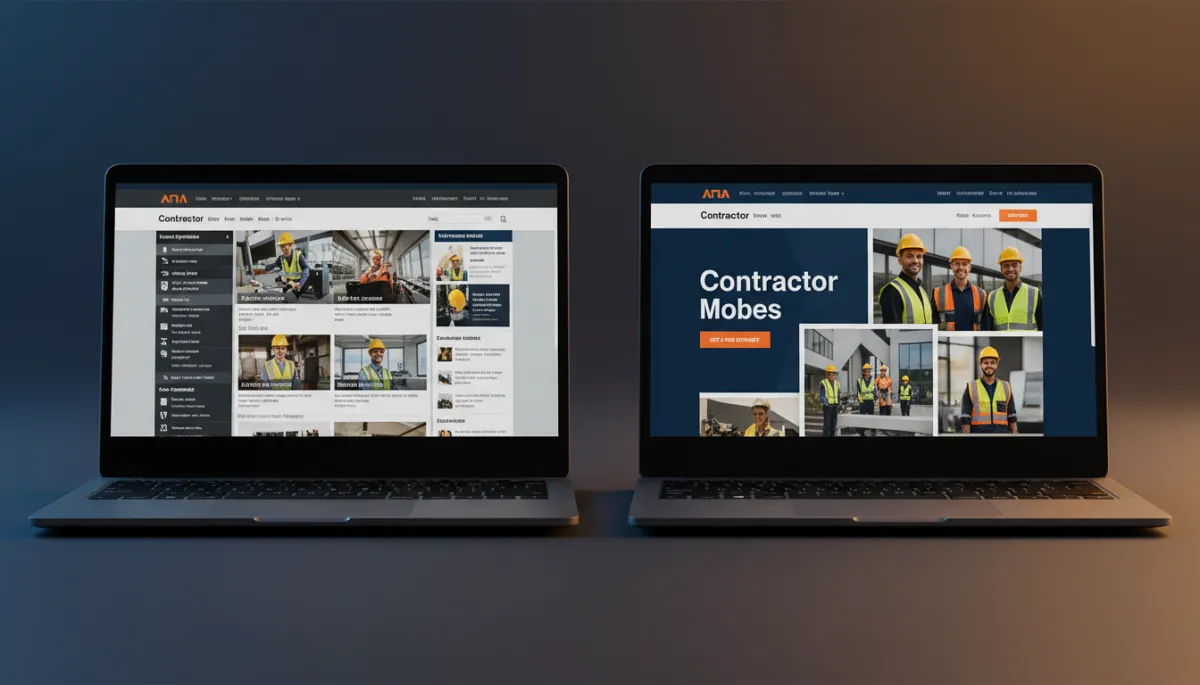
Modern, trust-building design keeps visitors on your site long enough to call you.
Studies across home‑service sites show that more than half get a C grade or lower for overall quality. That shows up in bounce rate — how many people land on your site and leave within a few seconds. An outdated design screams, “We’re behind the times,” even if your crew does fantastic work in the field.
First impressions = trust (or doubt)
Homeowners don’t know if you pull permits correctly or if your solder joints are clean. What they can judge in three seconds is whether your business feels current, organized, and professional. A dated site with blurry photos and clunky navigation plants doubt: “If they don’t care about their own site, will they care about my house?”
That’s how a bad contractor website kills trust before you ever get a chance to bid. They click, they get a weird vibe, they bounce. You never hear from them — and you never know you lost them.
Quick fix: Modernize the look and focus on clarity
- Use a clean, simple layout with plenty of white space, large text, and clear sections. No more tiny fonts and 10 different colors.
- Replace generic stock photos with real project photos, your actual team, and real equipment. People can smell fake from a mile away.
- Put a bold, simple headline at the top: who you are, what you do, and where you work. For example, “Family‑Owned Plumbing in Phoenix — 24/7 Emergency Service.”
- Make your main call‑to‑action obvious: “Call Now,” “Request a Quote,” or “Schedule Service.”
Sign #5: You’re on Wix or Squarespace (and You’ve Hit the Ceiling)
Let’s talk about the elephant in the room. A lot of small contractors start on Wix, Squarespace, or another “build it yourself in an afternoon” platform. And honestly, that’s fine for getting something online quickly when you’re just starting out. But if you’re serious about growing, those platforms can turn into a ceiling you keep hitting your head on.
The hidden limits of drag‑and‑drop builders
Here’s where platforms like Wix and Squarespace often become website mistakes small business owners don’t see until it’s too late:
- SEO ceiling: You’re limited in how deep you can go with technical SEO, structured data, and performance tuning. That matters when you’re trying to outrank five other roofers in your city.
- Shared hosting & bloat: Your site shares resources with tons of others, and the builder’s extra code can slow things down. Remember, most contractor sites already struggle with mobile speed — you don’t want more weight holding you back.
- No real customization: You’re stuck with what the template allows. Want a custom lead flow, advanced tracking, or special service‑area logic? Often, you just can’t do it properly.
The result is a site that looks “okay” on the surface but can’t be tuned into a real lead‑generation machine. You might be pouring money into ads or SEO, but the platform itself is holding you back. That’s a classic contractor website problems situation: you’re investing, but the foundation is weak.
Quick fix: Move to a platform that can grow with you
- If you’re still small and just need a digital business card, Wix or Squarespace might be okay for now — but know it’s a temporary solution, not a growth engine.
- When you’re ready to treat your site like a real sales tool, move to a more flexible platform (like a properly set‑up WordPress build on solid hosting) that allows full SEO control, fast performance, and custom features.
- Use that move as a chance to fix everything else in this article: click‑to‑call, local SEO, automatic follow‑up, and modern design.
How Many of These Signs Match Your Website?
Let’s recap. If you’re seeing even one of these, your site is almost certainly a website losing leads instead of capturing them:
- Your phone number isn’t clickable on mobile.
- You barely show up on Google for your main services and cities.
- Web leads sit in an inbox with no automatic follow‑up.
- Your design looks old, generic, or cluttered — like it hasn’t been touched since 2015.
- You’re stuck on Wix or Squarespace and can’t get the performance, SEO, and tracking you really need.
None of these issues are about you being “bad at business.” They’re just the reality of running a trade company in 2026. The web changed fast. Most contractors were busy actually doing the work — on roofs, in crawlspaces, in backyards — while the internet quietly moved the goalposts.
The good news is, every one of these problems is fixable. And when you fix them, your website stops being a dusty online brochure and starts acting like a real member of your sales team: answering questions, building trust, and getting more people to call, text, or book.
Not Sure Which Signs Apply to You?
Get a free 10-minute website audit from Ozlon. We’ll check every one of these — and give you a clear picture of exactly what needs to change.
